
Customer-facing menu
The restaurant page stays clean
Mellow Moose customers see food, hours, location, ordering, QR sharing, and current specials without extra sales copy getting in the way.
Business page examples
See how one customer page can handle a regular menu, a special event, owner updates, and daily changes without confusing customers.
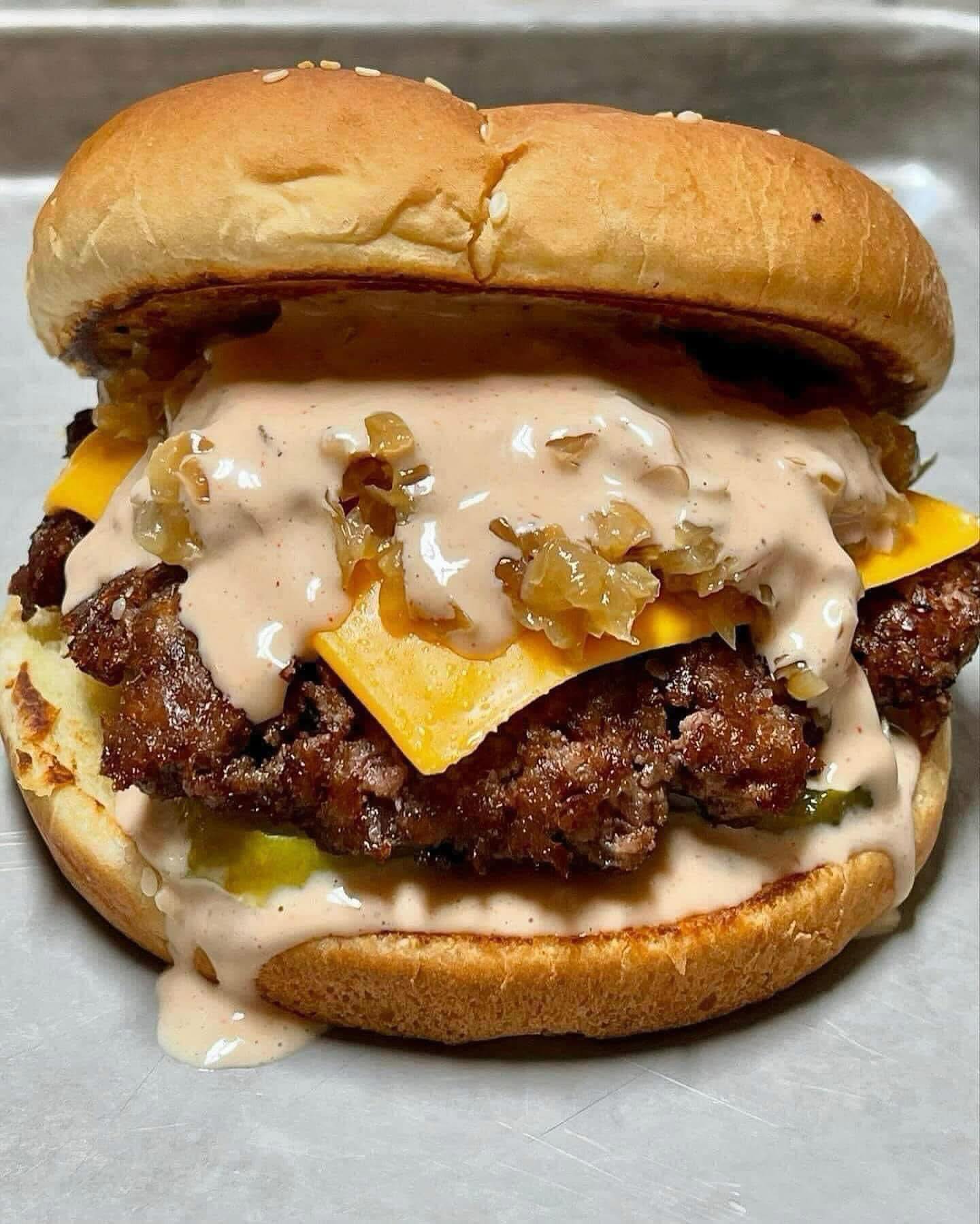
Normal mode
The public page feels like the business, not like a generic hosted menu.
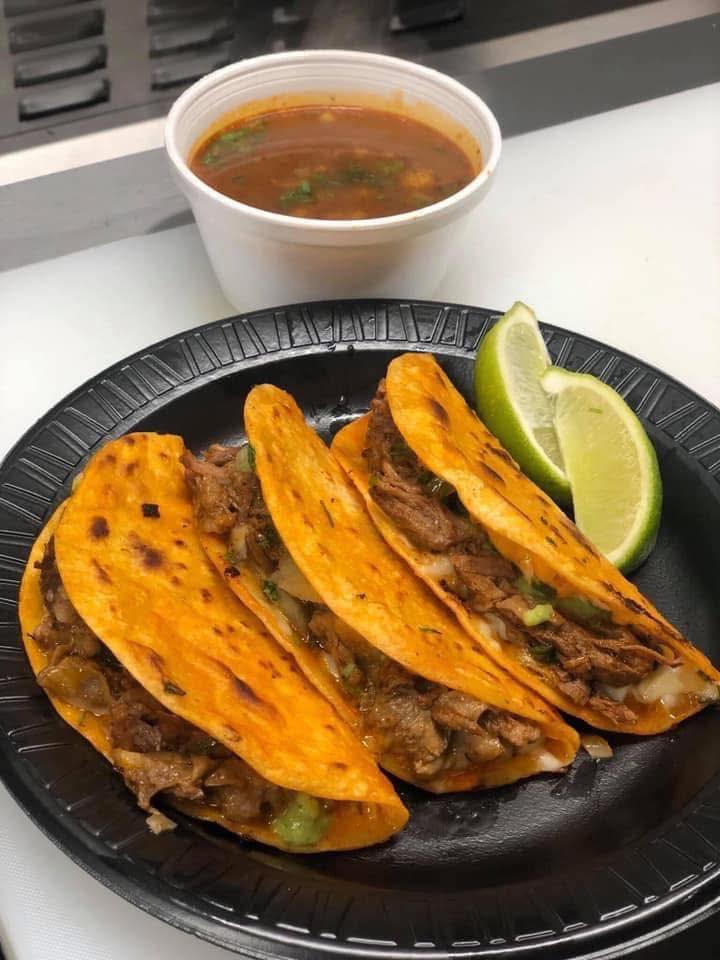
Popup mode
The same customer path can shift for a special menu without losing clarity.
Why this matters
The page can match the day, the menu, and the business without reprinting QR codes.
Customer-facing menu
Mellow Moose customers see food, hours, location, ordering, QR sharing, and current specials without extra sales copy getting in the way.
Event mode
Dos Gordos takeover mode changes the hero, featured items, menu sections, and event messaging without creating a confusing second website.
Owner controls
Hours, closed notes, sold-out alerts, Happy Hour, Fry Day, combos, and popup mode are the kinds of controls that make the page useful after launch.
Behind the menu
A static menu is easy to forget. A business page is useful because the public page can respond to real operations: weather, sellouts, hours, popups, specials, and new photos.